Address
Mumbai, Maharashtra
Work Hours
Monday to Friday: 9AM - 5PM
Weekend: 10AM - 5PM

Your Privacy Is Your Security
Your Privacy Is Your Security
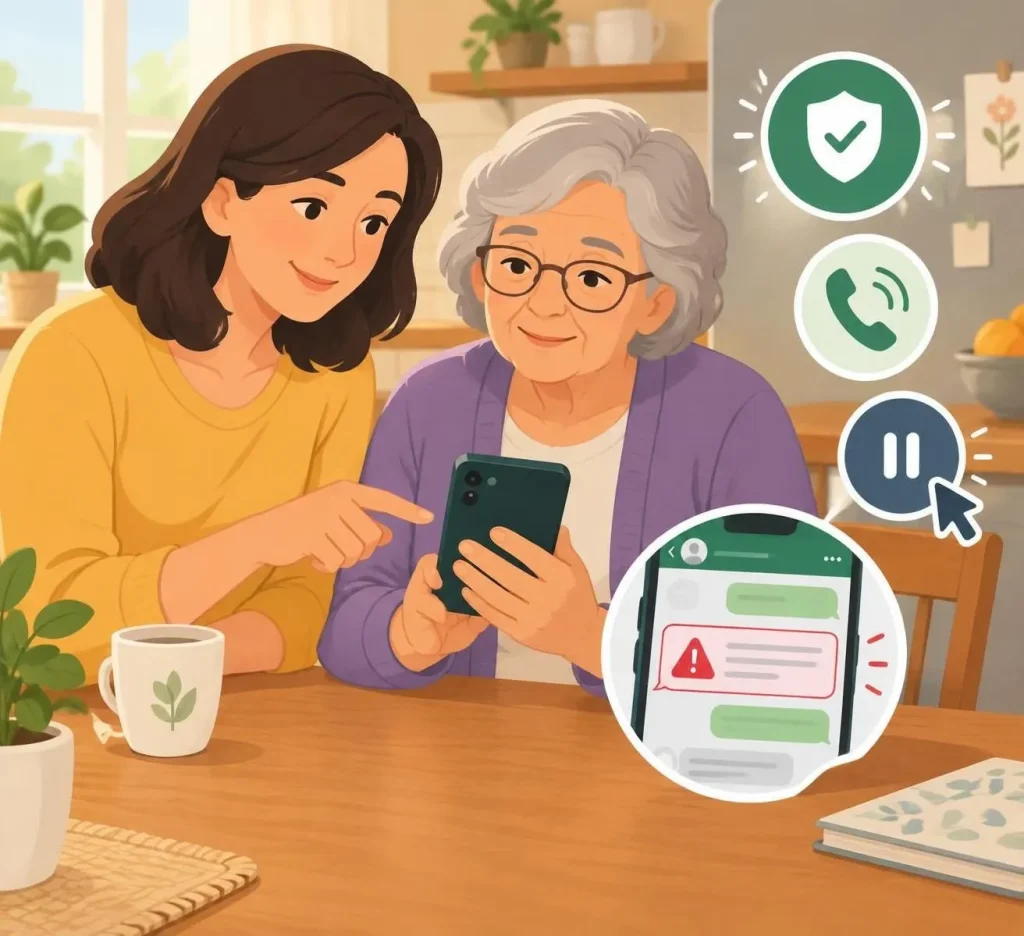
The scammer didn’t hack your parents’ phone. They hacked their trust.
Here are 4 WhatsApp settings that stop 90% of attacks before they happen — and a script to talk to your parents without sounding condescending.
Turn Off "Profile Photo" Visibility to Strangers Scammers use profile photos to look like real people (bank officials, relatives).
WhatsApp: Settings → Privacy → Profile Photo → Set to My Contacts
Restrict "About" Info Scammers copy "About" status to build fake trust.
WhatsApp: Settings → Privacy → About → Set to My Contacts
Enable Two-Step Verification (The Most Important One) If a scammer steals the OTP, they still can’t log in without this PIN.
WhatsApp: Settings → Account → Two-Step Verification → Enable → Set a 6-digit PIN
Turn Off "Add Me" via Phone Number Prevents strangers from adding your parents to spam groups.
WhatsApp: Settings → Privacy → Groups → Set to My Contacts
"Papa/Mummy, I just saw a news report about a new WhatsApp scam targeting parents. It’s really easy — I just need 2 minutes to lock your WhatsApp so it can’t happen. Can you sit with me for 2 minutes?"
Do this: Do it for them, not to them. Sit beside them, hold the phone, and show them the settings. Say "Look, now it’s safer" instead of "You were doing it wrong."
The DPDP Act protects your data, but it can’t protect your parents’ trust. These 4 settings take 2 minutes and give you peace of mind.
It started with a call from her brother's number.
"Didi, I'm stuck at the airport. My card got blocked. Please send ₹40,000 to this UPI ID, I'll return it tonight."
She didn't question it. Her brother's name. Her brother's photo. Her brother's voice — almost.
It wasn't her brother.
A cloned profile. A recorded voice note played back over a call. A "verified" looking contact.
By the time she called him to confirm, he was asleep. He hadn't messaged anyone.
What actually happened: Someone scraped his public profile photo and status, created a duplicate account, and targeted the people who trusted him most.
Under DPDP Act 2023, platforms must protect your data. But they don't protect your family's trust. That part is on us.
Myth 1: "Blue tick means the account is verified/safe" Reality: Anyone can pay Meta for a blue tick. It proves payment, not identity. Never trust money requests based on a tick.
Myth 2: "If the message comes from a saved contact, it's safe" Reality: Accounts get hacked every Scenario. If your friend asks for money, call them. Always.
Myth 3: "I have nothing to hide, so privacy doesn't matter" Reality: Privacy isn't about hiding. It's about control. Your photos, location, and contacts have value whether or not you've done anything wrong.
Myth 4: "Deleting my account deletes my data" Reality: Deleting your account removes your access. Companies may retain data under legal requirements. You must file a formal data deletion request under DPDP Section 6.
Myth 5: "Two-factor verification is too complicated for older people" Reality: It takes one PIN and 90 seconds. We set it up for 70-year-olds every week. Complexity is a myth we tell ourselves to avoid action.
Step 1: Open WhatsApp Settings Open WhatsApp. Tap the three dots (Android) or the Settings gear (iPhone). Tap Settings.
Step 2: Lock Down Profile Visibility Tap Privacy.
Tap Profile Photo. Select My Contacts. This stops strangers from seeing your parent's face to clone their profile.
Tap About. Select My Contacts. This stops scammers from copying your parent's "status" to look like a bank official.
Step 3: Stop Spam Groups Tap Groups. Select My Contacts. This ensures your parent can only be added to groups by people they know.
Step 4: The "Nuclear" Option — Two-Step Verification Go back to the main Privacy menu. Tap Account. Tap Two-Step Verification.
Tap Enable.
Enter a 6-digit PIN. Important: Choose a PIN they will remember, but not their birth year or anniversary.
Add a recovery email (preferably one you monitor). This is the only way to get the account back if they forget the PIN.
Step 5: The Golden Rule Teach your parent this one rule: "If anyone asks for money, even if it looks like me, I will call you on the phone first."
For a visual walkthrough of these steps, search YouTube for "How to set up Two-Step Verification on WhatsApp" or WhatsApp official Articles